
Pixel Craft
Building Depth with Limited Color Palettes
Clever layering and dithering techniques create dimension without expanding your palette.
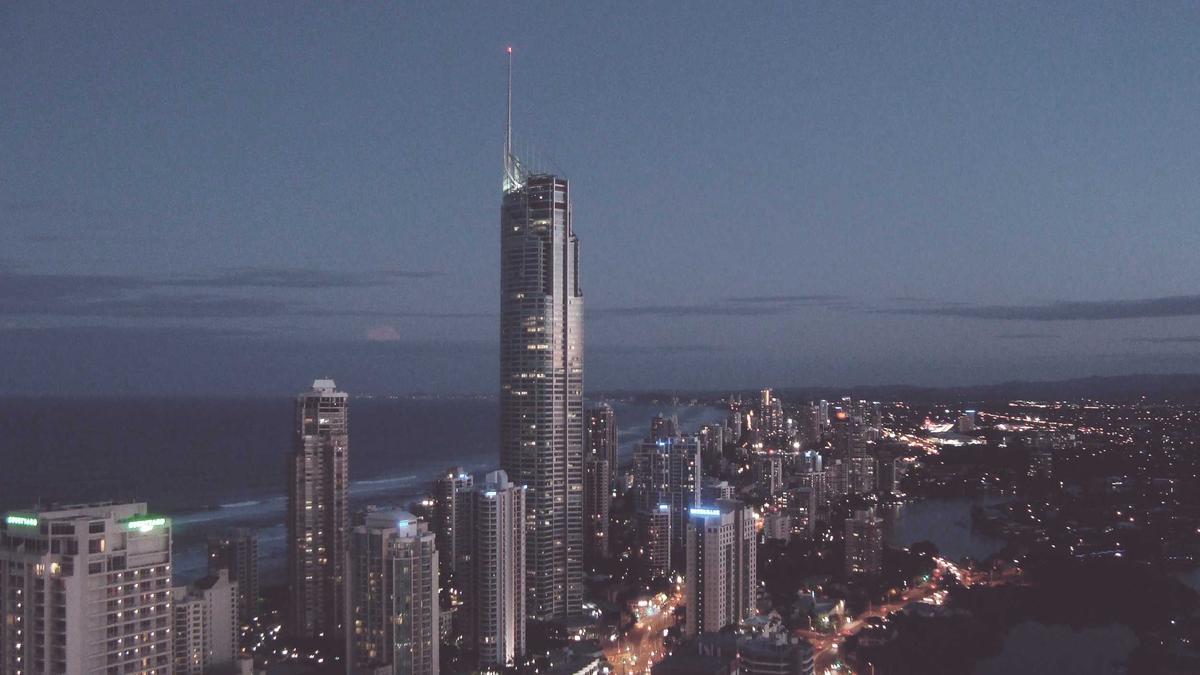
Working within a constrained palette isn’t a limitation—it’s an invitation to get creative with what you’ve got. When you’re restricted to 16 colors (or fewer), every pixel choice matters, and that constraint forces you to think deliberately about form and atmosphere. The trick is learning to layer and overlap strategically, using transparent pixels and careful adjacency to suggest depth that isn’t literally there.
Dithering patterns deserve special attention here. A well-placed dither can fool the eye into perceiving a third color from just two, and that optical blending is pure alchemy when you’re palette-locked. Ordered dithering creates that characteristic checkerboard texture, while error diffusion gives you smoother gradations—pick your poison based on the mood you’re after. Test both on a small tile first, what reads well at 1:1 might vanish at game-screen distance.
Layer your work intentionally. Think of your pixel art as depth passes: background, midground, foreground. Use value contrast (light against dark) to push and pull elements, not just hue. If your palette includes only warm tones, lean on brightness variation to create spatial separation. Silhouette shapes help too—when edges feel distinct and deliberate, the eye naturally reads them as distinct planes.
The sweet spot is finding your own rhythm with these constraints. Some artists embrace the limitation and push it further, others discover workarounds that feel honest to their process. Either way, you’ll develop a keener eye for what actually communicates form. That’s the real payoff of working small and tight.
More from Politics
 Pixel Craft
Building Depth with Limited Color Palettes
 Tools and Workflow
Setting up a local design token system
 Tools and Workflow
Terminal Multiplexers Speed Up Remote Development
 Tools and Workflow